Clean, minimal interface
A clean, minimal LMS interface that gets out of the way.
Most LMS screens are designed around the administrator who configured them. LaserLMS is designed around the person with ten minutes between shifts to finish a module: fewer menus, fewer clicks, faster pages.
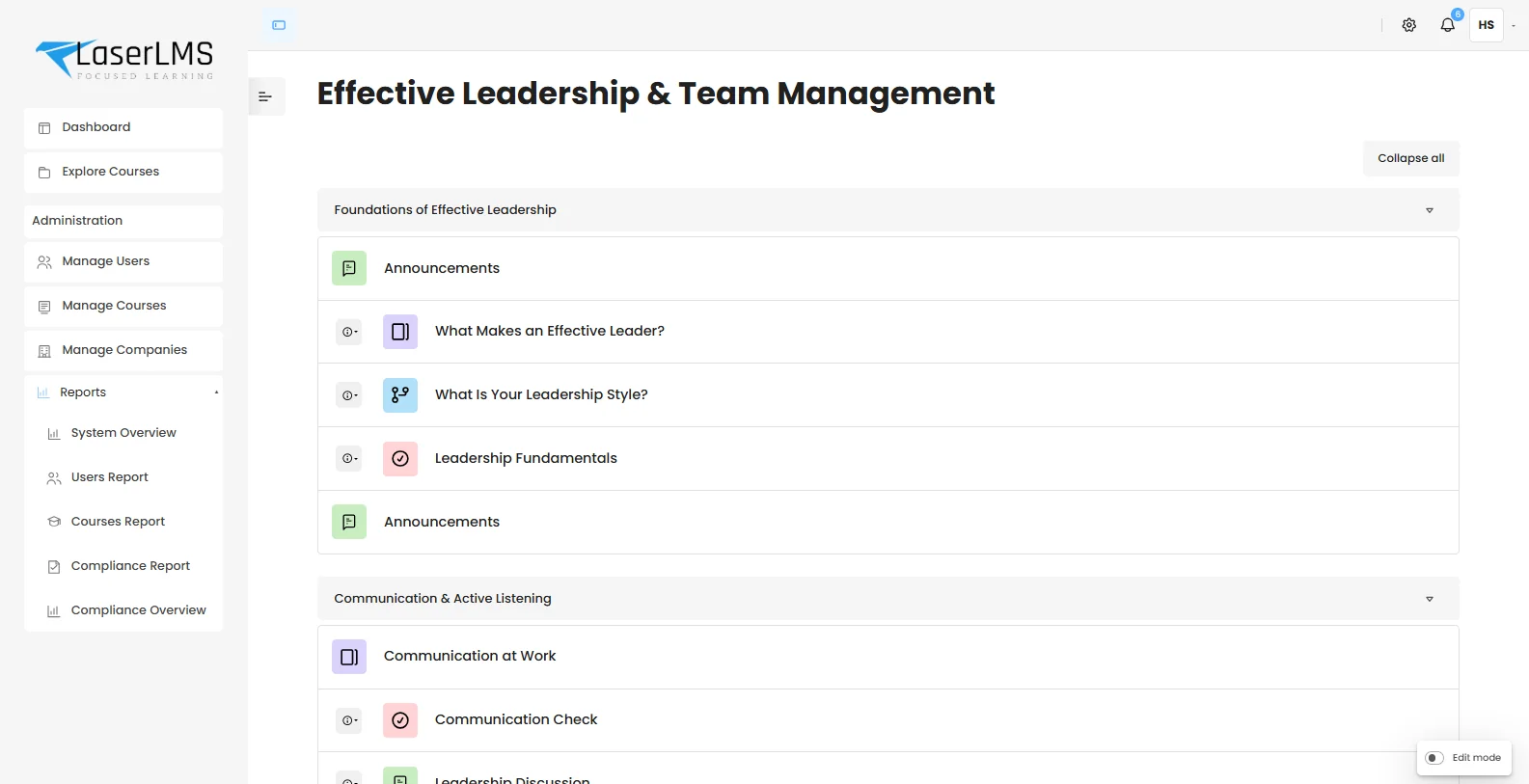
Each role sees what it needs, and nothing else.
Navigation adapts to the person signed in. A learner never wades through admin menus, and a company manager only sees their own company.
Learner
- Dashboard
- Explore courses
What is due, what is in progress, and where to start.
Company manager
- Dashboard and courses
- Users in their company
- Reports for their company
Their people, their courses, their compliance status.
Administrator
- Manage users
- Manage courses
- Manage companies
- Reports and system overview
Fast pages, calm layouts.
LaserLMS runs on a lean interface layer built for speed. There is no heavy page builder underneath, so screens load quickly even on warehouse Wi-Fi or a mobile connection.
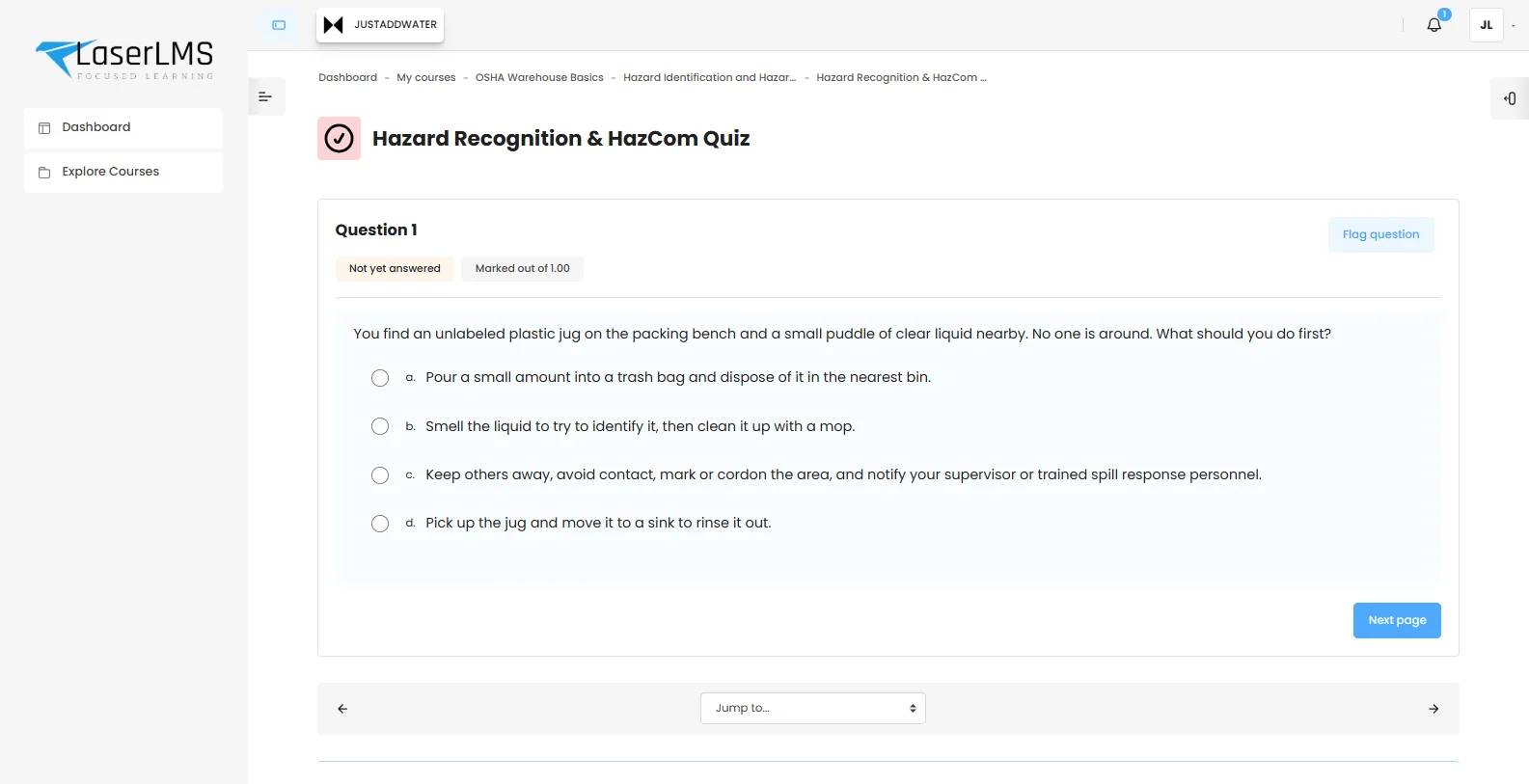
- Collapsible course sections keep long programmes readable.
- Clear activity types show at a glance whether the next step is a page, a quiz or a discussion.
- Edit mode is a switch, so course owners see editing controls only when they want them.
- Images load as you scroll, keeping first load light.
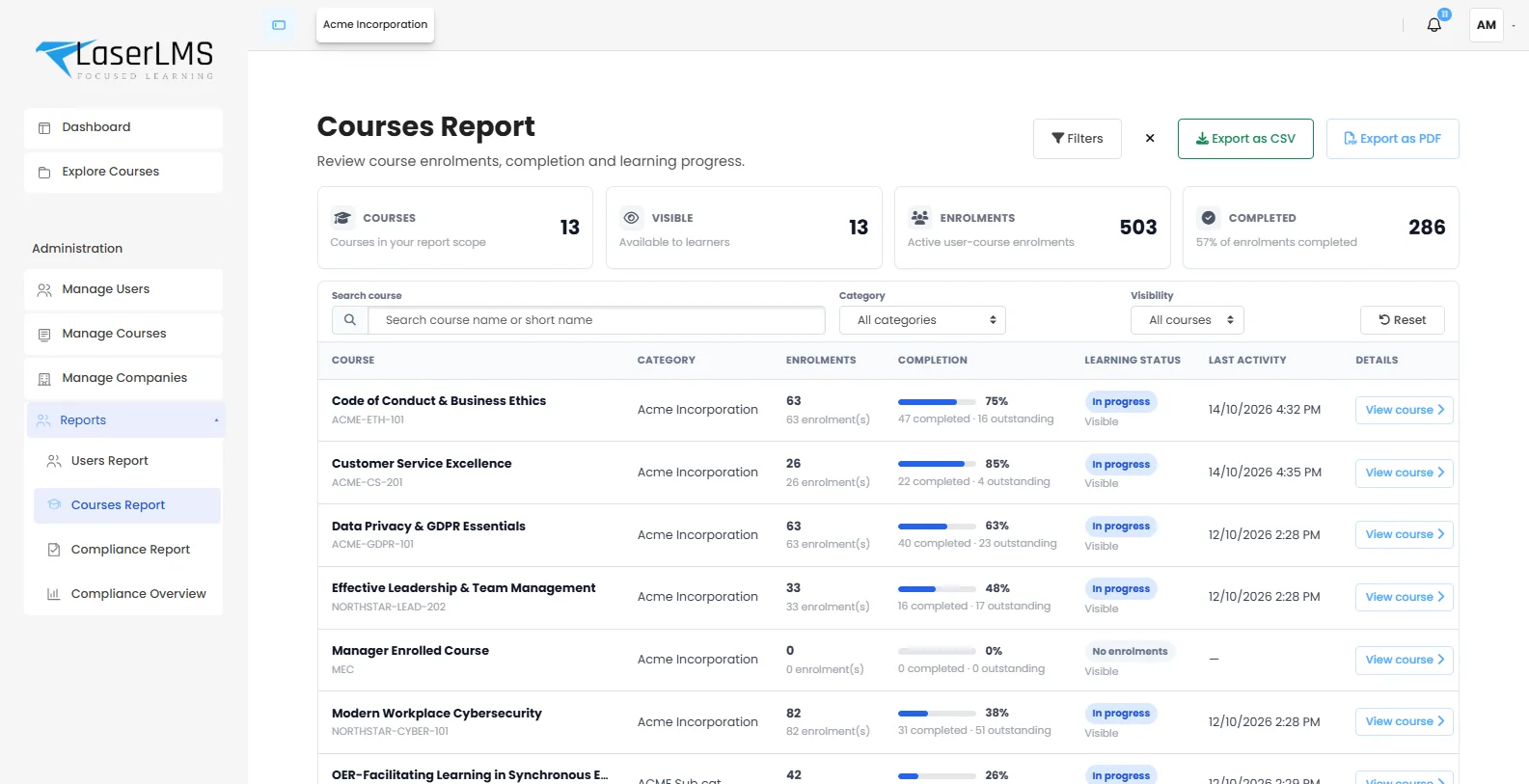
Every report works the same way.
Learn one report and you know them all. Summary figures sit at the top, filters below, then the table, then the export buttons.
Summary
Four figures that answer the headline question.
Filter
Search, course and status filters with one-click reset.
Act
Open a person or course, or export to CSV or PDF.
Interface details
| Navigation | Role-aware sidebar. Learners see Dashboard and Explore courses; managers and administrators see the tools they are allowed to use. |
|---|---|
| Course layout | Collapsible sections, activity type icons, completion markers and an AI page summary on demand. |
| Reports | Shared pattern of summary figures, filters, table and CSV or PDF export. |
| Editing | Edit mode toggle keeps editing controls out of sight until needed. |
| Devices | Responsive layouts for phone, tablet, desktop and shared kiosks. No separate app required. |
| Accessibility | Designed against WCAG 2.2 AA: keyboard navigation, focus states, contrast and semantic markup. |
| Branding | Logo and colours per company, with full white-labelling available. White-label options |
Related capabilities
Interface questions
Something else? Ask us in a demo.
Does LaserLMS work on phones and tablets?
Yes. Every learner screen is responsive, so courses, quizzes and dashboards work on phones, tablets, laptops and shared kiosks without a separate app.
Is the interface accessible?
The interface is designed against WCAG 2.2 AA guidelines, with keyboard navigation, visible focus states, readable contrast and semantic markup for screen readers. Course content you add should follow the same guidelines.
Can we change the navigation or add our own links?
Yes. Administrators can add links, such as your policy hub or HR portal, and each company can carry its own logo and colours. We keep the default lean so additions stay meaningful.
See LaserLMS with your own training in it.
Book a 30-minute demo. Bring a course, a policy document or a compliance requirement, and we will show you how LaserLMS handles it.
- Tailored to your use case, not a slide deck
- Cloud, dedicated or on-premises options explained
- Clear next steps and pricing for your scale