Training providers and academies
One platform for every client you train.
Training companies and academies outgrow one LMS per client quickly. LaserLMS runs each client as its own branded company on a single platform, so you deliver more programmes without running more systems.
The problems providers tell us about
An LMS per client
Every new client means another instance to update, secure and pay for.
Reporting by hand
Clients want monthly progress reports, and someone builds them in spreadsheets.
Content does not scale
Each client wants their policies in the course, and rebuilding courses eats your margin.
From signed contract to first report
Create the client
Add a company with its logo, colours, domain and sign-in method.
Allocate courses
Give access to shared library courses, in dated blocks if you sell by cohort.
Enrol learners
Upload, sync or let the client's manager enrol their own people.
Deliver
E-learning, exams and live sessions with attendance from Teams or Zoom.
Report back
Client managers export their own reports, or you schedule them by email.
Protect your margins as you grow.
- One platform to maintain, however many clients you add.
- Shared course library with client-specific versions only where needed.
- AI course creation to tailor content to a client's policies in minutes.
- Self-service client managers who enrol and report on their own people.
Capabilities behind it
Questions from training providers
Something else? Ask us in a demo.
Can each client sign in with their own SSO?
Yes. Each client company can use its own identity provider, so their staff sign in with their usual work account.
Can client managers see their own reports?
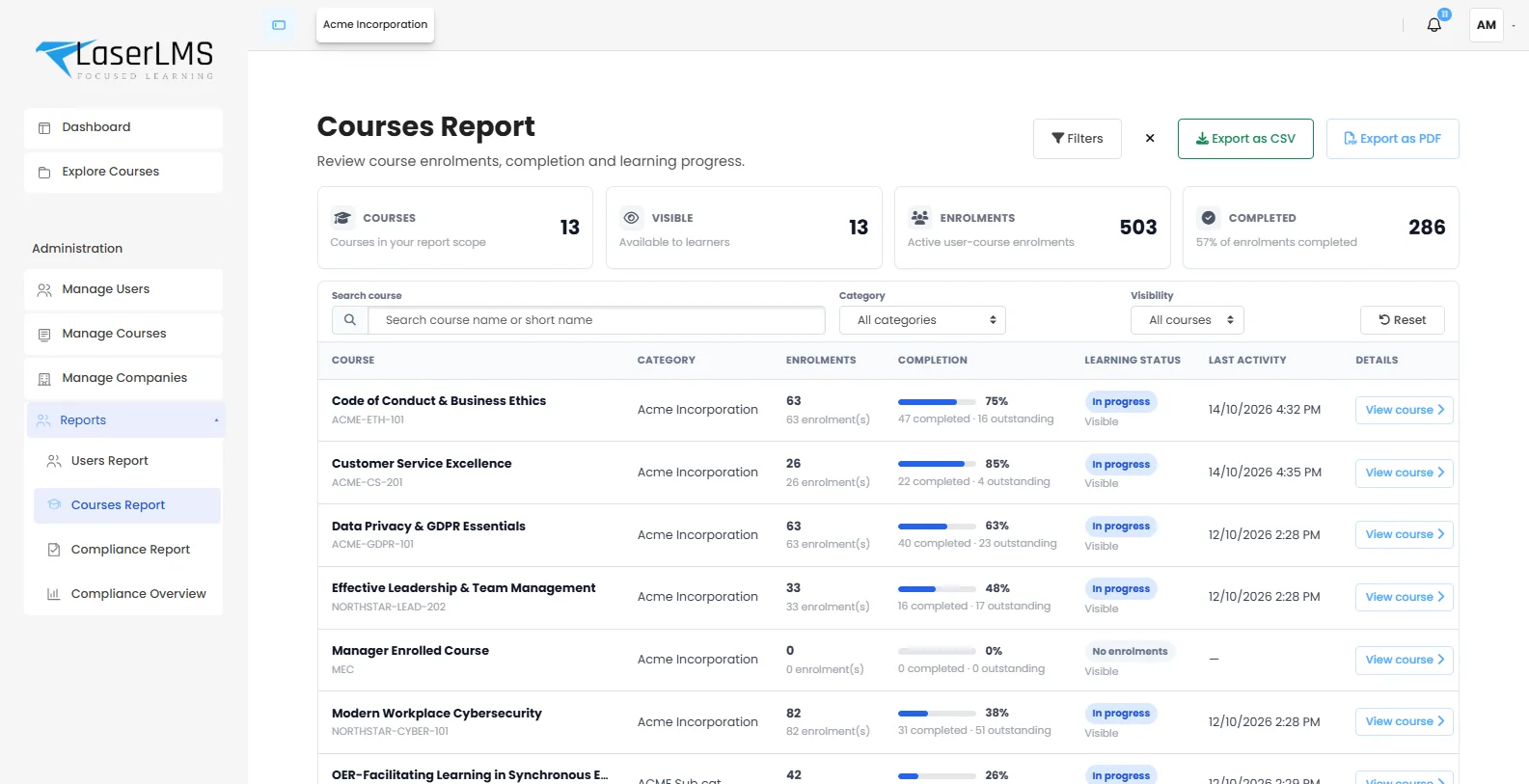
Yes. Client managers see only their company's users, courses and compliance, and can export reports themselves, which saves you a monthly reporting chore.
Can we use the same course for many clients?
Yes. Keep one master course in a shared library and give each client access, or create client-specific versions where content differs.
Can we deliver live and virtual classroom training too?
Yes. Schedule sessions, record attendance from Microsoft Teams or Zoom, and count attendance towards completion alongside e-learning.
See your client portals in LaserLMS.
We will set up two sample client companies and show you branding, allocation and per-client reporting.
- Tailored to your use case, not a slide deck
- Cloud, dedicated or on-premises options explained
- Clear next steps and pricing for your scale