Online exams and AI proctoring
Online exams with AI proctoring, built into your LMS.
Certification, licensing and end-of-course assessments need results you can defend. LaserLMS combines exam controls with AI and live proctoring from our proctoring partner, ProctorLink, so you can run high-stakes tests online with confidence.
Controls for every stage of an exam
Proctoring is only one part of exam integrity. LaserLMS covers the whole lifecycle.
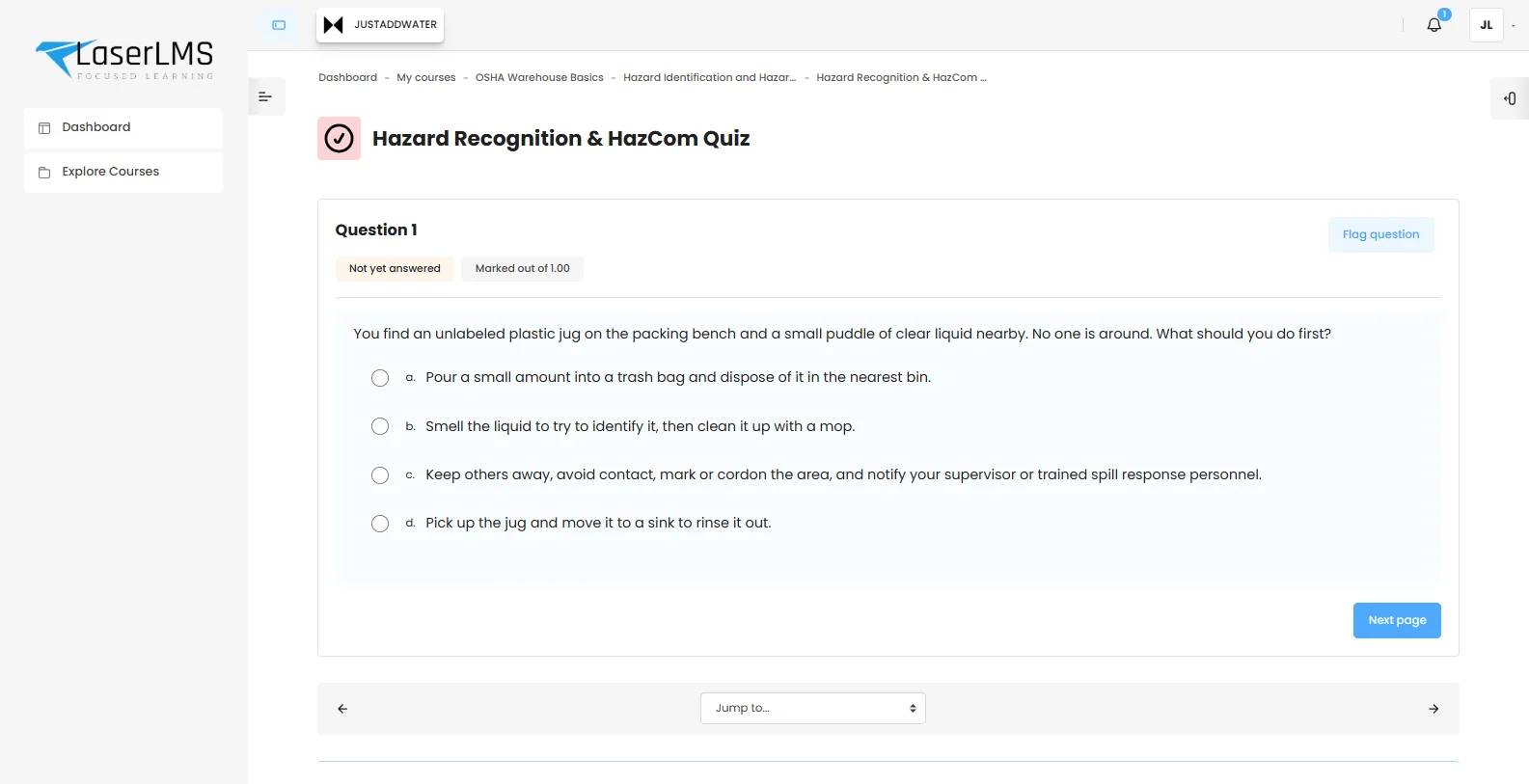
Before
- Question banks with random selection per candidate
- Shuffled questions and answer options
- Time limits, open and close windows, attempt limits
- Access rules by password, network range or group
- Identity check with a photo before the attempt
During
- Webcam images captured at set intervals
- AI identity checks against a photo or ID
- Alerts for multiple faces, no face, closed eyes or tab switching
- Auto-submit when the warning limit is reached
- Live video and audio monitoring by proctors
After
- Instant grading for objective questions
- Manual grading queue for essays
- Reviewer view of flagged events with snapshots and timestamps
- Controlled release of results and feedback
- Certificates issued on pass
Proctoring partner
Proctoring powered by ProctorLink.
LaserLMS exams are proctored with ProctorLink, an AI proctoring platform that has monitored more than 1 million exam sessions for over 200 institutions and is rated 4.8 out of 5 on G2.
- Your data stays with you. Proctoring images and session records are stored on your own LaserLMS server, not on ProctorLink's.
- Settings per exam. Adjust capture frequency, warning intervals and thresholds for each assessment.
| Automated proctoring | Continuously monitors each session, detects suspicious behaviour and alerts proctors in real time. |
|---|---|
| AI identity verification | Matches the candidate on camera against a profile photo or ID document, at intervals you choose. |
| Live monitoring | Proctors can watch live video and listen to audio, for one candidate or a whole group. |
| Smart alerts | Instant warnings for multiple faces, no face in view, closed eyes, tab switching and more. |
| Warning thresholds | Set how many warnings are allowed, with the option to submit the attempt automatically at the limit. |
| Secure exam browser | Stops candidates opening new tabs or windows during the exam. |
| Image storage | Keep every captured image, or only the ones flagged as warnings. |
| Proctoring reports | Time, date, duration, captured images and auto-submission status for every attempt. |
Feedback and review that stand up to challenge.
Every attempt keeps its answers, timings and score. When results are released, candidates see feedback that explains each answer, and reviewers see the evidence behind any flag.
- Per-option feedback explains why an answer is wrong, not just that it is.
- Attempt history shows start, finish, duration and marks for every try.
- Flag review puts snapshots and event times side by side for a fair decision.
Question types for real assessment.
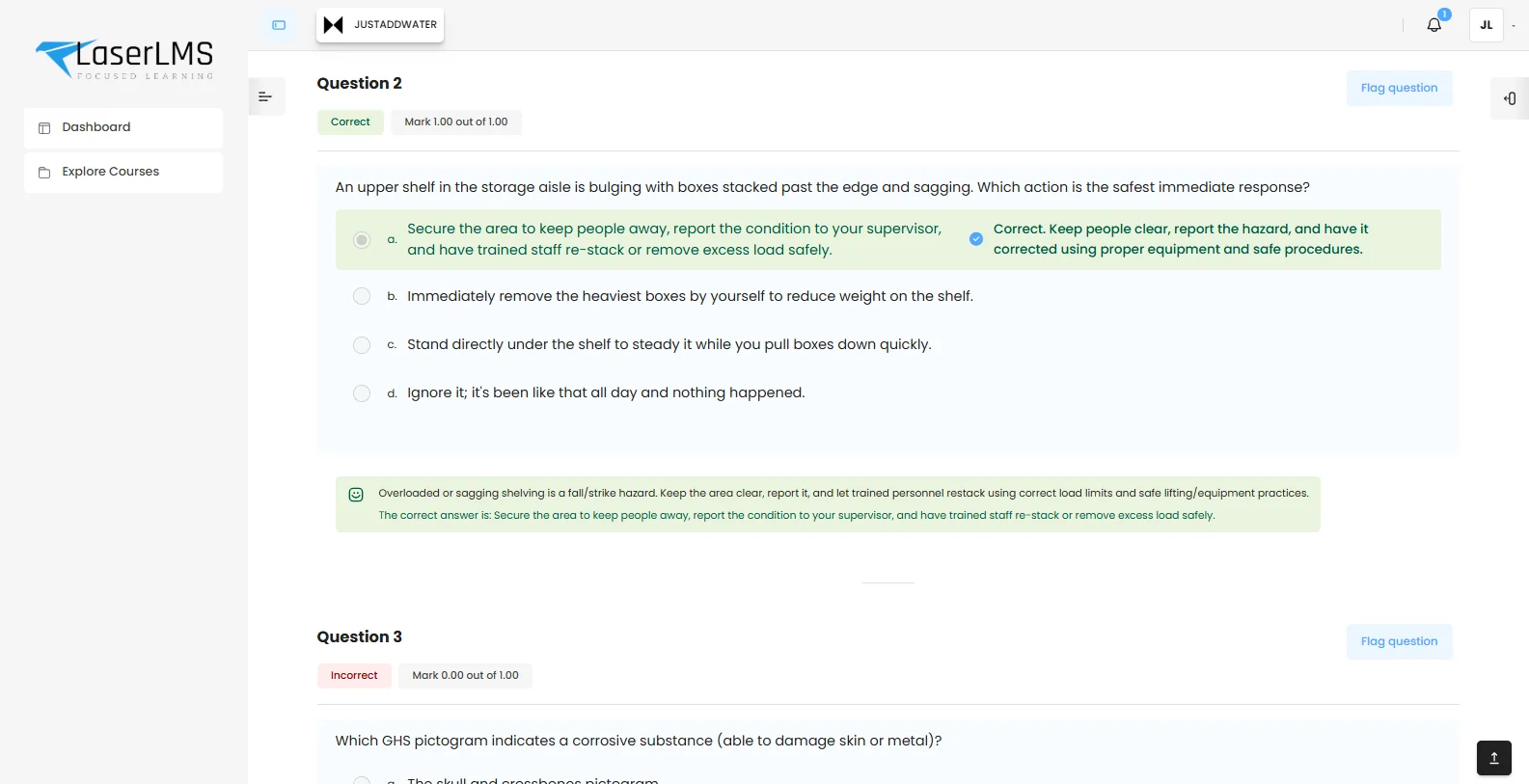
Test knowledge, application and judgement, not just recall.
| Multiple choice | Single or multiple answers, with feedback per option. |
|---|---|
| True or false | Quick knowledge checks. |
| Matching and drag and drop | Pair terms, order steps, label diagrams. |
| Short answer and numerical | Typed answers with tolerances for calculations. |
| Essay | Long-form answers graded by a reviewer against a rubric. |
| Scenario sets | Several questions built around one case study. |
Proctoring that respects candidates
Notice and consent
Candidates see what is monitored and why before they start.
Retention you set
Snapshots are kept for the period your policy defines, then deleted.
People decide
AI raises flags. Humans make every decision about a result.
Related capabilities
Exam and proctoring questions
Something else? Ask us in a demo.
Does the AI decide whether a candidate cheated?
No. AI proctoring flags events, such as no face in view or a second person, and attaches the evidence. A human reviewer decides what happens next. If you set an automatic submit at the warning limit, reviewers can still check the evidence before results are released.
What do candidates need?
A modern browser and a webcam. Candidates see a proctoring notice and give consent before the exam starts. For the highest-stakes exams you can also require the secure exam browser, which blocks other tabs and windows.
Where are proctoring images stored?
On your own LaserLMS server. ProctorLink does not keep proctoring images or session data on its servers, so exam evidence stays inside the infrastructure you control.
What happens if a candidate's connection drops?
Answers are saved automatically during the attempt. The candidate can reconnect and continue within the time limit, and the interruption is logged for the reviewer.
Can we give some candidates extra time?
Yes. Time limits, attempt windows and attempt counts can be overridden for individual candidates or groups to provide reasonable adjustments.
Run your next certification exam online.
We will set up a sample exam with your question types and show the candidate and reviewer experience end to end.
- Tailored to your use case, not a slide deck
- Cloud, dedicated or on-premises options explained
- Clear next steps and pricing for your scale